

About Course
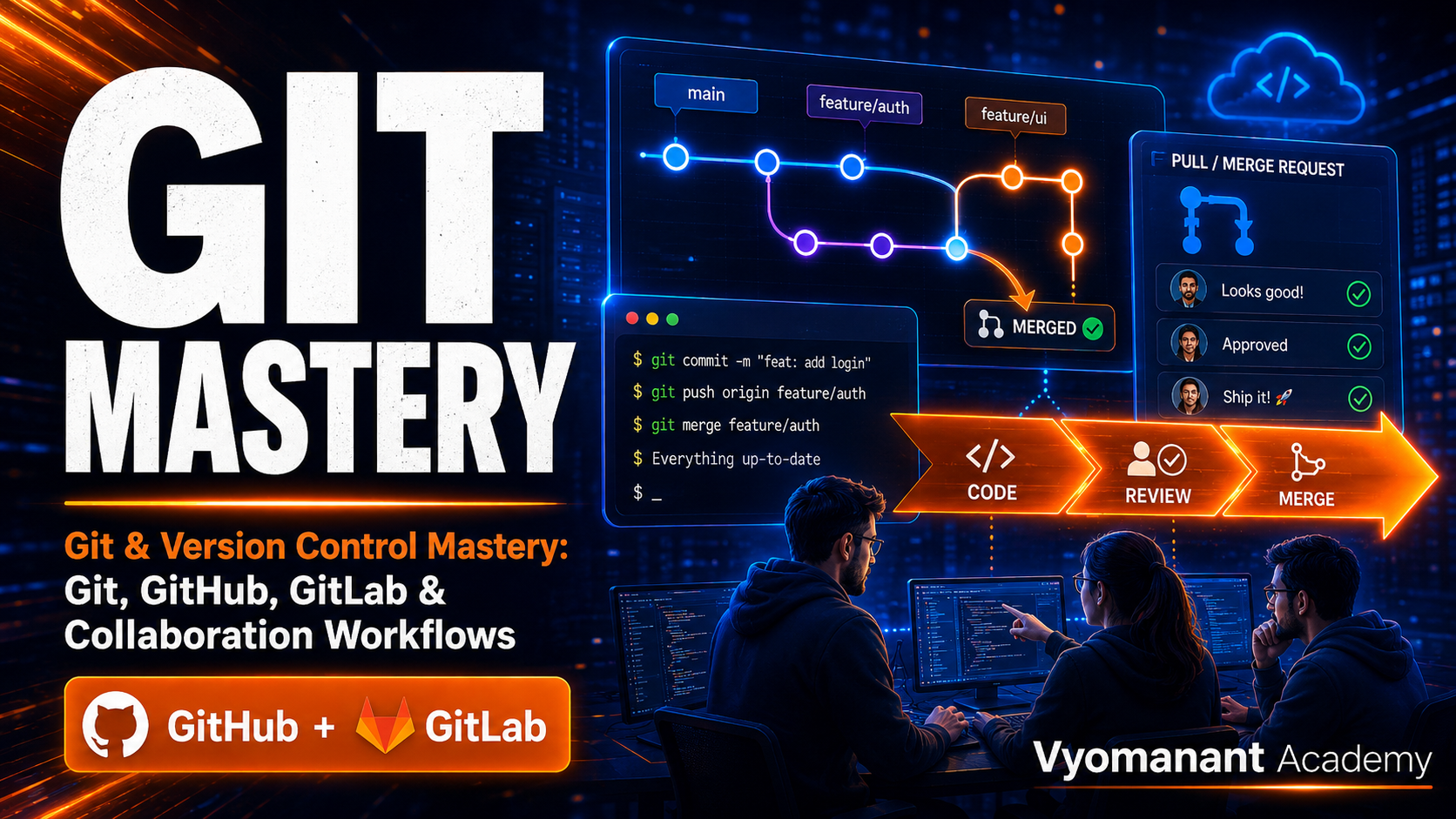
Git & Version Control Mastery is a practical, corporate-focused training program designed for beginners to intermediate learners who want to work confidently with Git, GitHub, GitLab, and modern team-based development workflows.
This course covers the complete version control journey from Git fundamentals to real-world collaboration practices used in software, DevOps, cloud, and enterprise engineering teams. Learners will understand how to create repositories, manage branches, write meaningful commits, work with remote repositories, resolve conflicts, use pull requests and merge requests, manage releases, and follow production-ready Git practices.
The program is practical-heavy and includes hands-on labs, assignments, real-world workflow simulations, and a capstone project focused on enterprise Git collaboration.
What Will You Learn?
- Understand Git and version control from scratch
- Create and manage local Git repositories
- Track, commit, compare, and restore code changes
- Work with branches, merges, and conflict resolution
- Use GitHub and GitLab for remote collaboration
- Create Pull Requests and Merge Requests
- Follow team-based Git collaboration workflows
- Configure protected branches and repository permissions
- Use GitHub Copilot as an AI assistant for Git tasks
- Apply production-ready Git best practices
- Complete hands-on labs and real-world team projects
Course Content
Module 1: Version Control Foundations
-
What is Version Control
-
Centralized vs Distributed Version Control
-
Why Git is Used in Teams
-
Git, GitHub, and GitLab Differences
-
Installing Git
-
Configuring Git User and Editor
-
Using GitHub Copilot for Git Learning Support
-
Lab: Set Up Git, GitHub, GitLab, and Copilot
Module 2: Git Basics from Scratch
-
Git Repository Lifecycle
-
Working Directory, Staging Area, and Repository
-
Creating a Local Repository
-
Tracking Files with Git
-
Understanding Git Status
-
Writing Meaningful Commit Messages
-
Viewing Commit History
-
Lab: Create Your First Git Repository
-
Quiz: Git Basics Check
Module 3: Core Git Workflow
-
git init, git add, and git commit
-
git status and git log
-
git diff for File Changes
-
Undoing Local Changes
-
Removing and Renaming Files
-
Using .gitignore
-
Using Copilot to Explain Git Commands
-
Lab: Manage File Changes in Git
Module 4: Branching and Merging
-
Why Branching Matters
-
Creating and Switching Branches
-
Feature Branch Workflow
-
Merging Branches
-
Deleting Branches Safely
-
Visualizing Branch History
-
Lab: Build a Feature Using Branches
-
Assignment: Branching Workflow Practice
Module 5: Merge Conflicts and Fixes
-
What Causes Merge Conflicts
-
Reading Conflict Markers
-
Resolving Conflicts Manually
-
Using VS Code Conflict Tools
-
Avoiding Common Conflict Mistakes
-
Using Copilot to Understand Conflicts
-
Lab: Resolve Real Merge Conflicts
-
Quiz: Conflict Resolution Check
Module 6: Remote Repositories with GitHub
-
What is a Remote Repository
-
Creating a GitHub Repository
-
Connecting Local Git to GitHub
-
git clone, push, pull, and fetch
-
Understanding origin and Remote URLs
-
SSH vs HTTPS Authentication
-
GitHub Repository Settings
-
Lab: Push Local Code to GitHub
Module 7: Remote Repositories with GitLab
-
GitLab Overview for Teams
-
Creating a GitLab Repository
-
Cloning from GitLab
-
Pushing and Pulling Code
-
GitLab Project Settings
-
GitLab Access Tokens
-
GitHub vs GitLab Workflow Comparison
-
Lab: Publish Code to GitLab
Module 8: Collaboration Workflows
-
Team Repository Structure
-
Feature Branch Workflow
-
Forking Workflow
-
Gitflow Overview
-
Trunk-based Development Basics
-
Choosing the Right Workflow
-
Team Naming Conventions
-
Lab: Simulate a Team Collaboration Workflow
-
Assignment: Design a Git Workflow for a Team
Module 9: Pull Requests and Merge Requests
-
What are Pull Requests
-
What are Merge Requests
-
Creating Pull Requests in GitHub
-
Creating Merge Requests in GitLab
-
Code Review Basics
-
Review Comments and Suggestions
-
Using Copilot for PR Summaries
-
Lab: Create and Review a Pull Request
-
Quiz: PR and MR Workflow Check
Module 10: GitHub Copilot for Version Control Productivity
-
Copilot as a Git Learning Assistant
-
Explaining Git Errors with Copilot
-
Generating Commit Message Suggestions
-
Creating PR Descriptions with Copilot
-
Understanding Code Changes with Copilot
-
Copilot Chat for Debugging Git Issues
-
Responsible AI Usage in Teams
-
Lab: Use Copilot to Explain and Fix Git Issues
Module 11: Advanced Git Essentials
-
Using git stash for Temporary Changes
-
Using git tag for Releases
-
Using git cherry-pick
-
git revert vs git reset
-
Soft, Mixed, and Hard Reset
-
Rewriting Commit History Safely
-
Working with Detached HEAD
-
Lab: Recover and Manage Git History
Module 12: Team Permissions and Repository Governance
-
Repository Access Levels
-
GitHub Teams and Permissions
-
GitLab Groups and Permissions
-
Branch Protection Rules
-
Required Reviews
-
CODEOWNERS Basics
-
Commit and Merge Policies
-
Lab: Configure Protected Branches
-
Assignment: Create a Team Repository Governance Plan
Module 13: Production Collaboration Scenarios
-
Handling Hotfixes
-
Managing Release Branches
-
Rollback Using Git
-
Working with Multiple Contributors
-
Handling Wrong Commits
-
Recovering Deleted Branches
-
Audit-friendly Git Practices
-
Lab: Fix a Production Hotfix Scenario
Module 14: Real-world Project 1 — Team Git Workflow
-
Project Overview and Setup
-
Create Team Repository Structure
-
Create Feature Branches
-
Open Pull Requests
-
Perform Code Review
-
Resolve Conflicts
-
Merge to Main Branch
-
Lab: Complete End-to-End Team Workflow
-
Assignment: Submit GitHub Project Repository
Module 15: Real-world Project 2 — GitHub and GitLab Collaboration
-
Project Overview and Requirements
-
Mirror Workflow Between GitHub and GitLab
-
Create Issues and Branches
-
Implement Changes Using Git
-
Create PR and MR Reviews
-
Use Copilot for PR Summary
-
Final Merge and Release Tag
-
Lab: Complete Multi-platform Collaboration Workflow
-
Assignment: Submit GitHub and GitLab Workflow Evidence
Module 16: Capstone Project — Enterprise Version Control Workflow
-
Capstone Scenario
-
Repository Setup
-
Branch Strategy Design
-
Protected Branch Configuration
-
Team Collaboration Workflow
-
PR and MR Review Process
-
Release Tagging and Rollback Plan
-
Final Project Review
-
Lab: Build a Production-ready Git Collaboration System
-
Assignment: Capstone Project Submission
Student Ratings & Reviews